Kirin 0.4.0
Save files
Save files are stored in Kirin/Saved Games/[Game title]. A save in the game's folder can still be loaded, but saving writes it to Kirin/Saved Games/. The save file in the game's folder is no longer updated and does not reflect subsequent progress. Games that manage their own saves may use a different location.
Real-time translation
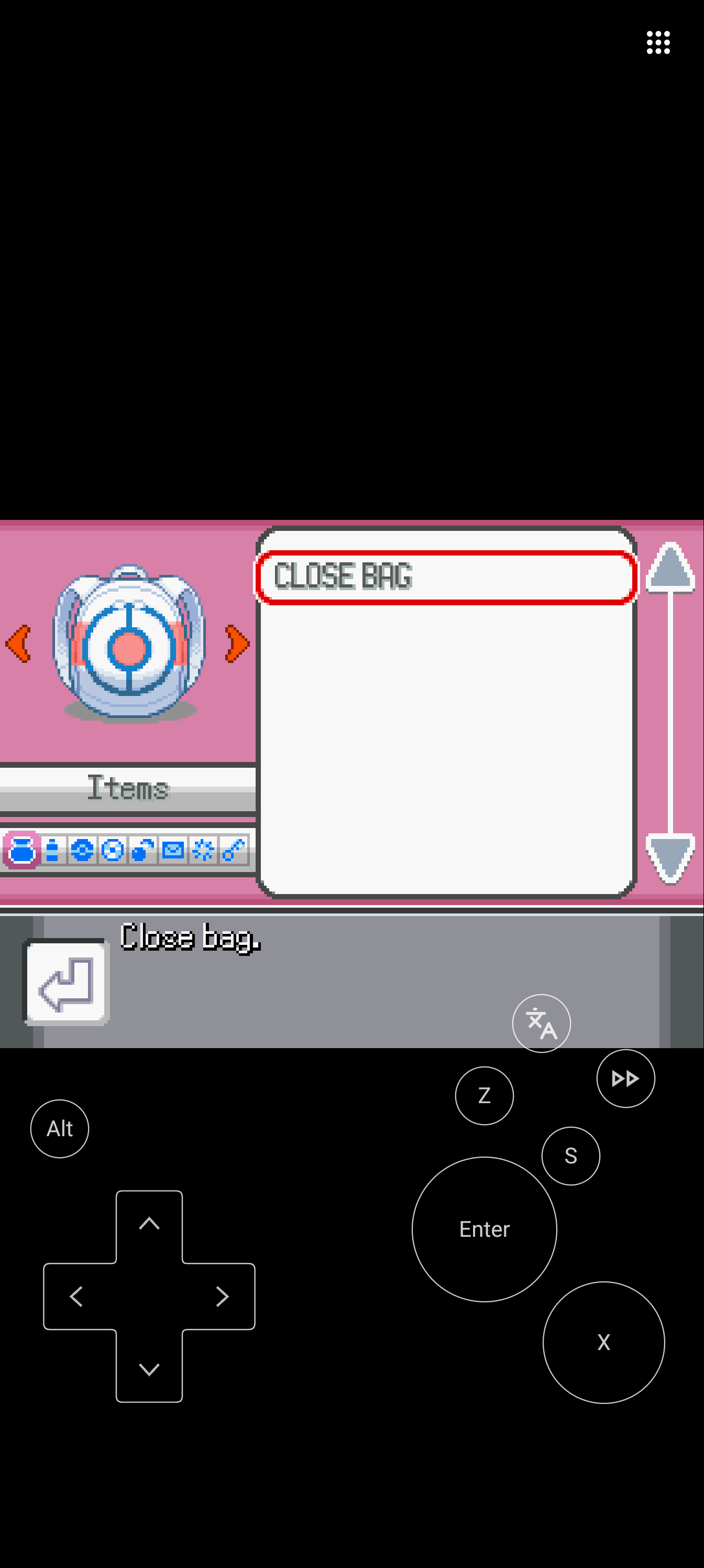
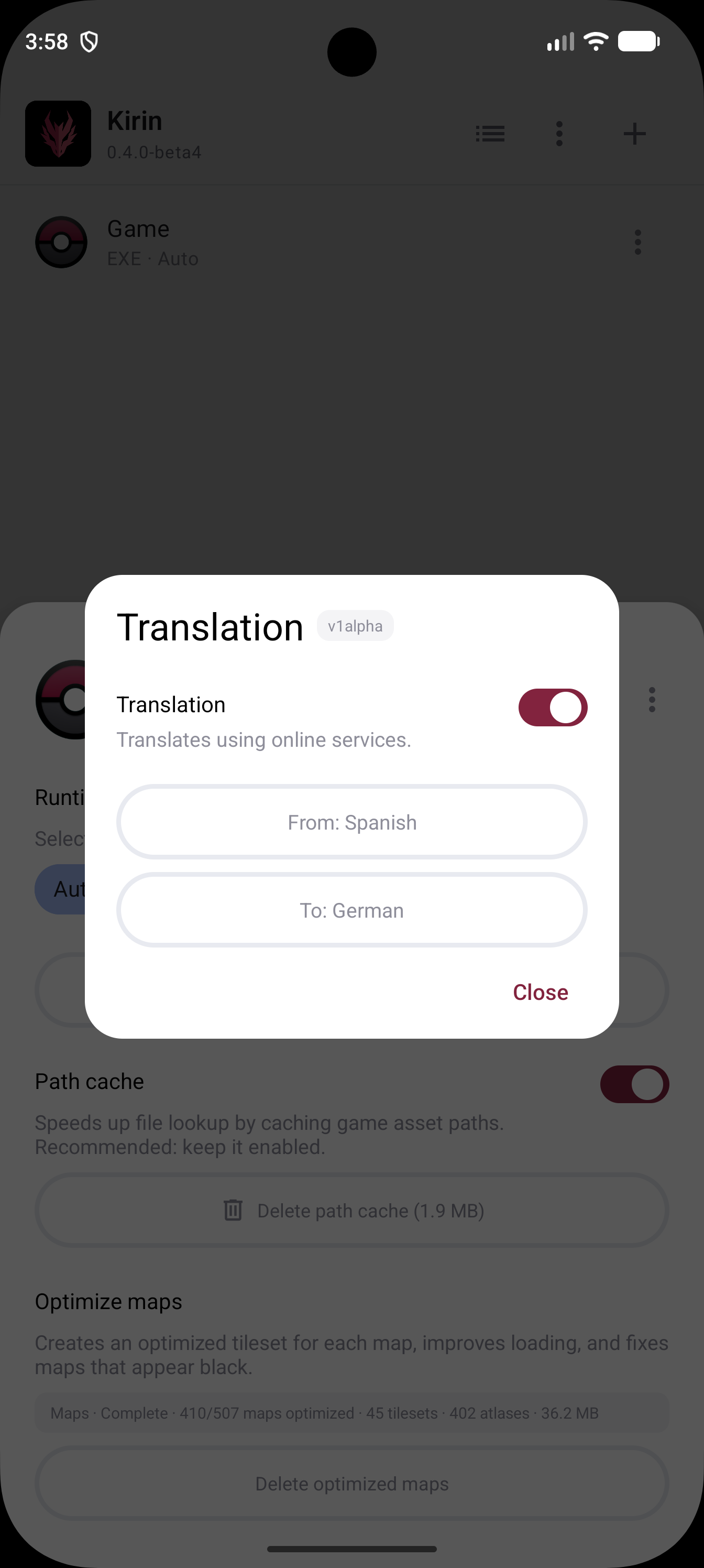
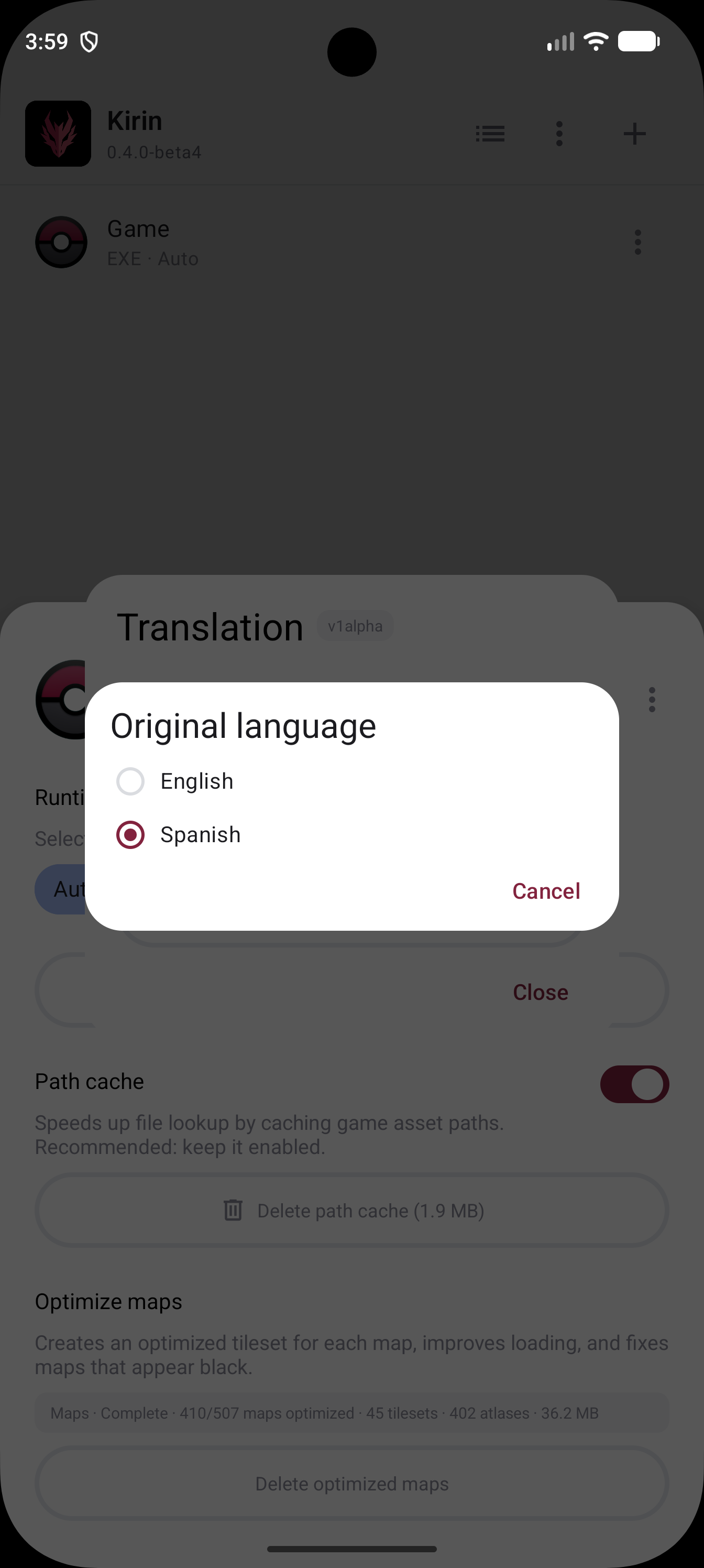
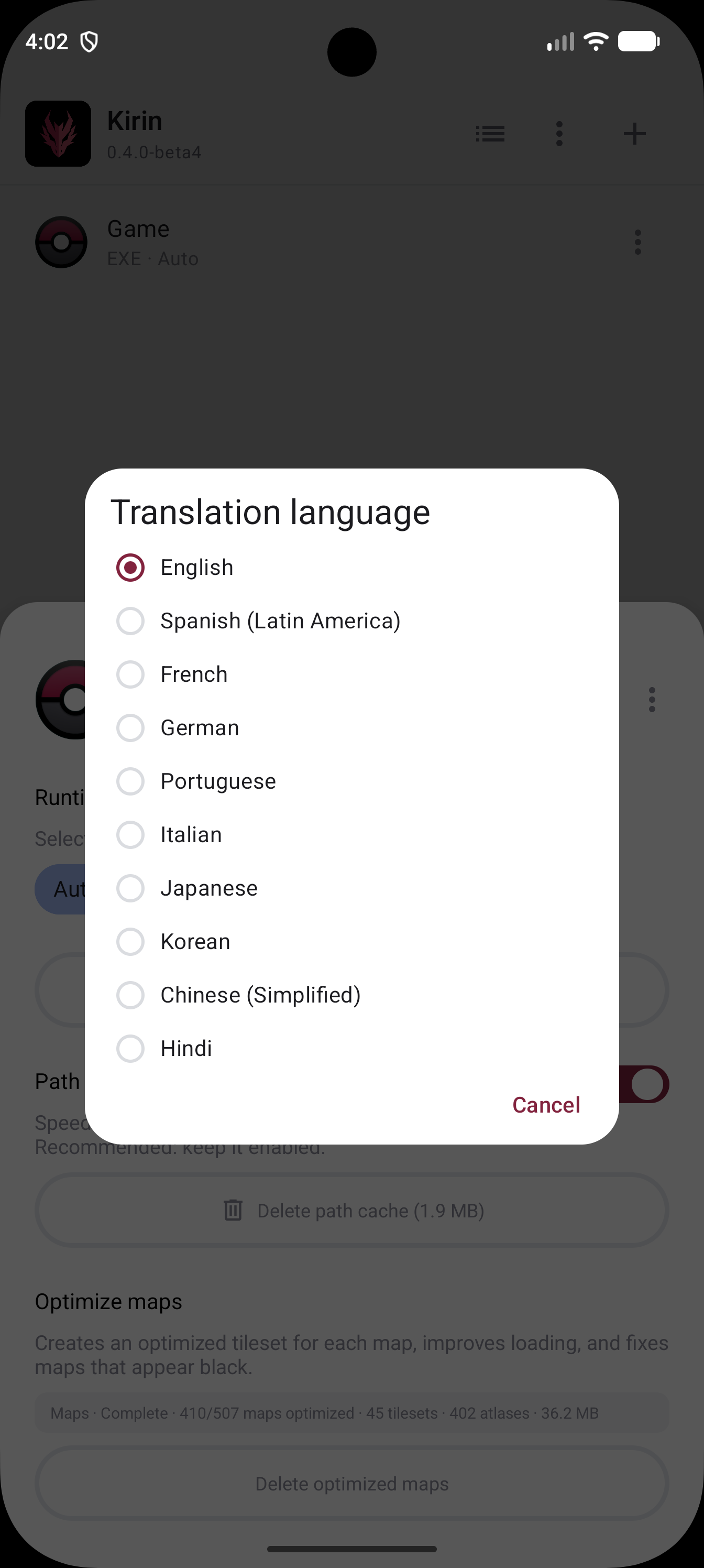
Real-time translation is compatible with Pokémon Essentials. After enabling the option and choosing the languages, Kirin first checks whether a translation of the dialogue is already available. If not, it sends the dialogue to an online service and displays it when translation is complete. Translations are recorded in a global database so other users can reuse them when they encounter the same dialogue in that game. If a game replaces Pokémon Essentials' dialogue functions with its own messaging system, those dialogues may remain untranslated. Command windows are not translated because their short text often lacks context and can produce incorrect results.
The free version allows up to 20,000 new characters per day. Patreon members have access to faster, unlimited translation.
Languages: Spanish, Spanish (Latin America), English, German, French, Italian, Portuguese, Korean, Japanese, Chinese and Hindi.
Translation quality
Dialogue translation is handled by the translation service integrated into Kirin. The resulting text reflects the translation quality offered by that service.
Pokémon terminology database
When a term is in the database, its official or corresponding translation is used instead of the online service. Access to this multilingual database is free. It can also be used offline.
Languages: Spanish, Spanish (Latin America), English, Italian, French, German, Chinese, Korean and Japanese.
Speed Up
Speed Up has two turbo methods. Framerate raises the frame rate limit so the game can run faster. Frameskip omits drawing some frames while the game continues to advance. Either method may desynchronize certain games or scripts. If the game has its own turbo, using it is recommended. If you are a developer and prefer the game to control turbo on its own, you can disable Kirin's turbo by placing this code among the first scripts:
if $kirin && Graphics.respond_to?(:kirin_disable_turbo!)
  Graphics.kirin_disable_turbo!
end
Optimized maps
The Ruby API System.invalidate_optimized_maps() renames the optimized maps folder to disable them. Delete Optimized Maps also deletes these folders.
Game Library
Improved navigation and a cover view for registered games.
Free Mode Controls
Free Mode for controls.
Show Info
When this option is enabled, the FPS, time and battery level appear on screen during gameplay.
Floating Analog
When this option is enabled, you can move the character by touching anywhere on the screen and dragging your finger from that point, without having to find the analog control in a fixed position.
Restart Game
Closes the current game and launches it again automatically.
Importing games
Removed the RGSS extraction option when adding a game.
Autofire
No longer affects the D-pad.
Android gallery
Option to hide game graphics from the gallery. Enabling it creates a .nomedia file for every registered game.
Panoramic Map
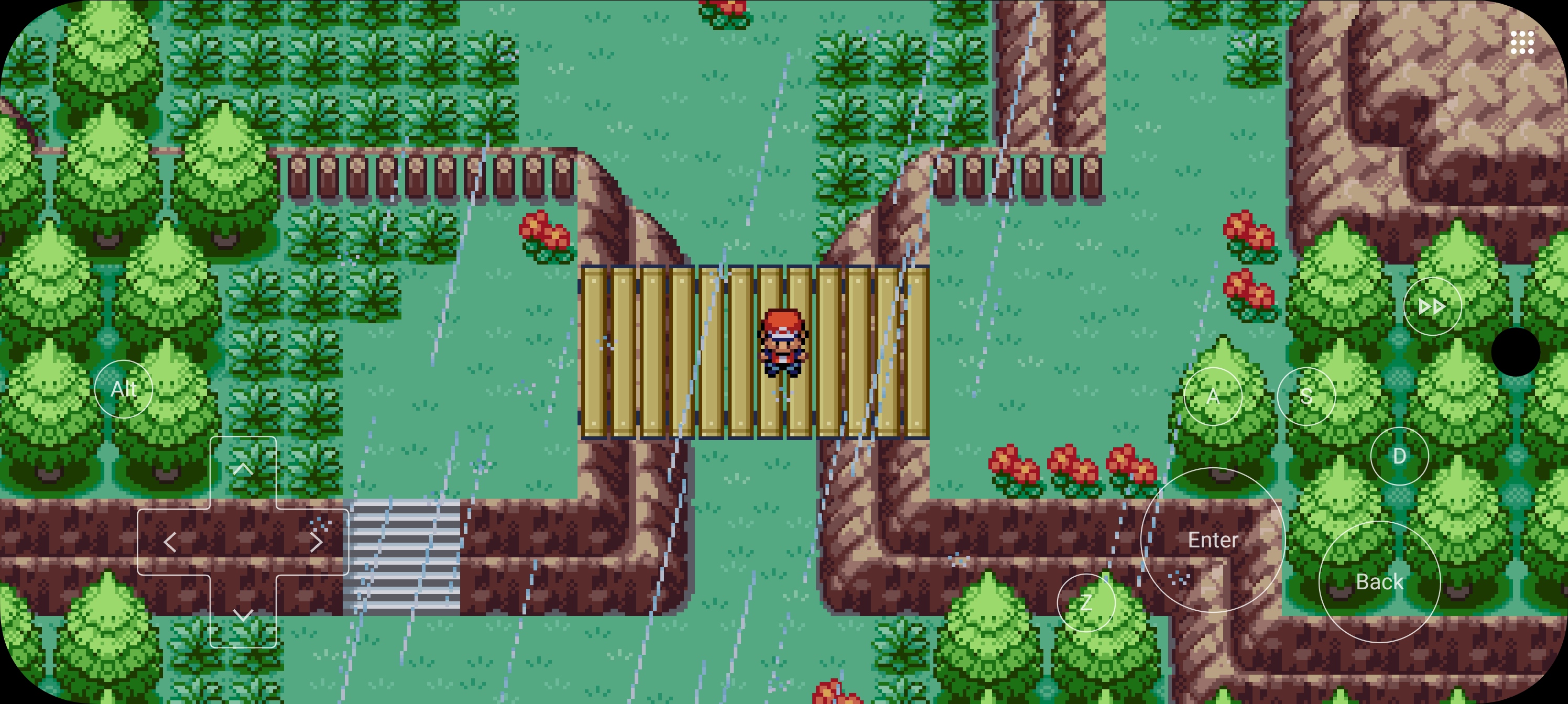
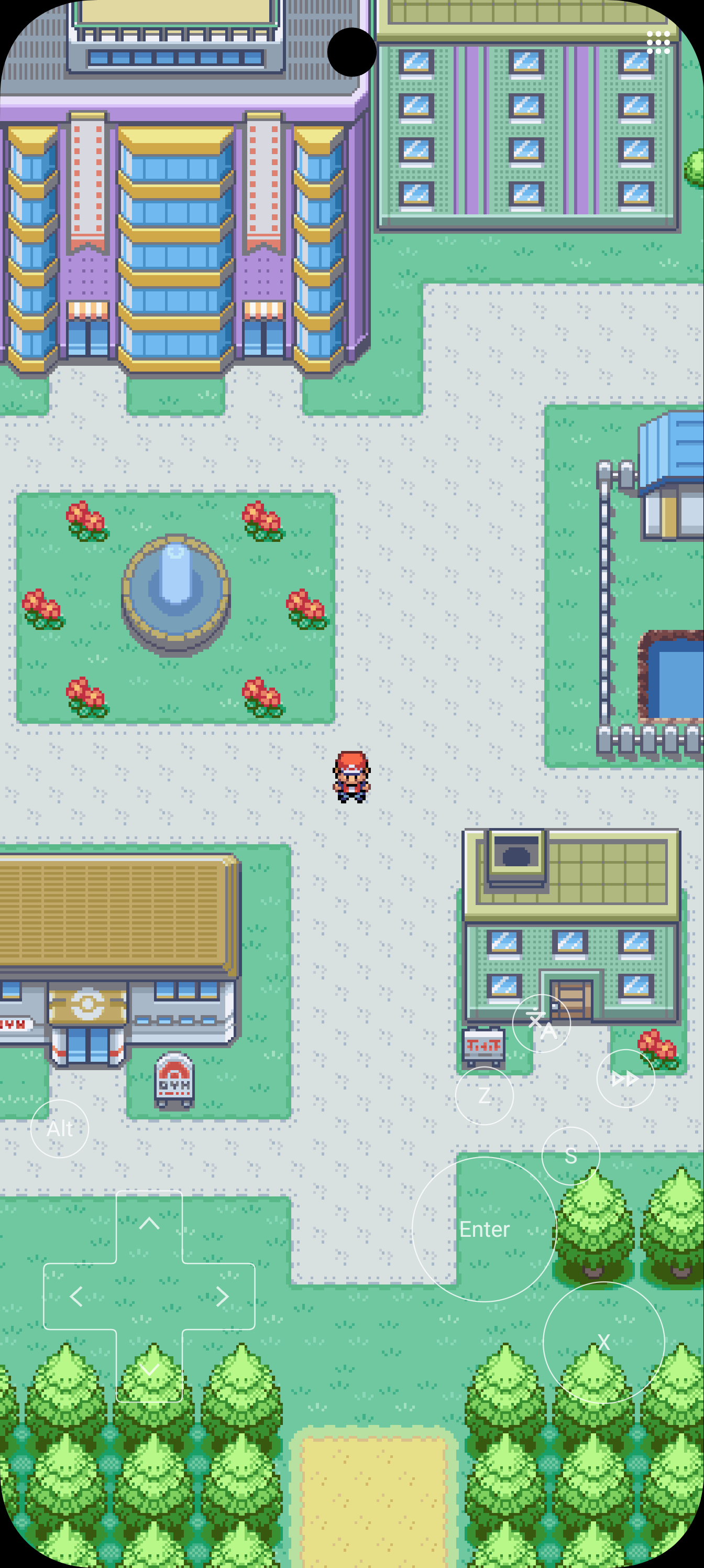
Panoramic Map shows the map across the entire screen while the game keeps its normal resolution. The feature uses a Kirin optimization: maps are drawn with a native renderer instead of Pokémon Essentials' Ruby renderer.
Panoramic maps in an experimental testing phase, with access limited to Patreon members.